Social Media AI Autopilot: What to Automate and What to Review
A risk-based framework for deciding which social media planning tasks AI can automate and which decisions require human review.
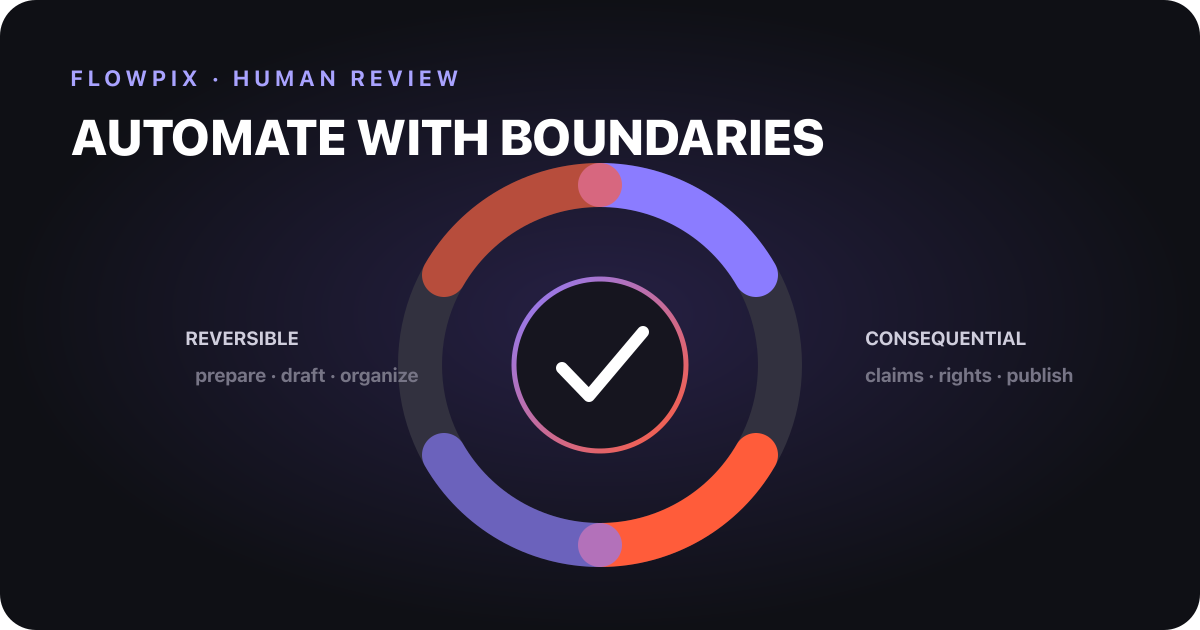
Short answer: automate reversible preparation; review consequential decisions. AI can organize briefs, propose calendars, generate variants, resize assets, and prepare queues. A person should approve factual claims, rights-sensitive media, brand exceptions, crisis content, regulated topics, and the final publish action.
The reversibility rule
The safest boundary is not “creative versus administrative.” It is reversible versus consequential.
| Task | Default | Why |
|---|---|---|
| cluster ideas by content pillar | automate | easy to inspect and change |
| draft weekly slots | automate, then review | useful acceleration with limited downside |
| produce caption variants | automate, then edit | tone and facts still need judgment |
| resize approved creative | automate with spot checks | mostly deterministic |
| verify a product claim | human owner | error can mislead customers |
| approve licensed media | human owner | rights and provenance matter |
| respond to a crisis | human owner | context and impact are high |
| publish to a live account | explicit approval or bounded policy | externally visible and harder to reverse |
This is the Reversibility–Impact Matrix: the harder an action is to undo and the greater its potential impact, the stronger the human gate should be.
Four automation zones
Zone 1: safe preparation
Low-impact, reversible work can run automatically:
- normalize a brief;
- suggest content pillars;
- map topics to available slots;
- flag duplicate angles;
- create a checklist;
- prepare caption and visual variants.
The output remains a proposal. No follower sees it, and no platform state changes.
Zone 2: assisted creation
Generation is useful but requires inspection. AI may invent details, misread a visual, or create a technically polished asset that conflicts with brand rules. Require source links for factual claims and keep the original brief beside the draft.
The AI Instagram planning workflow shows how generation fits between an approved brief and review.
Zone 3: controlled scheduling
Scheduling can be automated after a content item passes defined gates. The policy should identify:
- eligible account and platform;
- supported media format;
- approved asset version;
- date, timezone, and campaign window;
- who can cancel or reschedule;
- what happens when publishing fails.
Do not blindly retry writes. A timeout does not always mean that the platform rejected the first request. Check the remote state or use an idempotent workflow before retrying.
Zone 4: human-only exceptions
Keep a named owner for:
- legal, medical, financial, safety, or political claims;
- giveaways and promotion rules;
- customer data or private messages;
- crisis communications;
- synthetic likenesses or unclear media rights;
- claims about competitors;
- significant brand departures.
NIST’s AI Risk Management Framework emphasizes governed, measured risk management rather than treating AI risk as a one-time checklist. A social workflow should do the same.
The five-question publish gate
Before a post can leave the review queue, answer:
- Source: can every material factual claim be verified?
- Rights: do we have permission for the text, image, audio, likeness, and logo?
- Brand: does this fit current voice and visual rules?
- Platform: is the format supported and compliant?
- Owner: who is accountable if the post is challenged?
If any answer is “unknown,” the content stays in review. “AI generated it” is not an owner.
Design approval states explicitly
A useful queue has more than “draft” and “published”:
| State | Meaning | Allowed next action |
|---|---|---|
| Proposed | AI or teammate created a candidate | edit or reject |
| Needs evidence | a claim lacks a reliable source | attach source |
| Needs rights check | media provenance is unclear | replace or approve |
| Approved | named reviewer accepted exact version | schedule |
| Scheduled | platform and time selected | cancel or publish |
| Published | remote confirmation recorded | monitor |
| Failed | delivery did not complete | diagnose before retry |
These states make automation auditable and prevent a draft from skipping the review boundary.
What FlowPix automates
FlowPix Autopilot uses Brand DNA to prepare weekly plans and creative, then routes slots through review before scheduling supported content. The visual grid remains a checkpoint, not decoration.
FlowPix is Instagram-first and available on iOS and Android. It can schedule supported single-image and video posts when a compatible account is connected. Stories and carousels can be planned as drafts but are not auto-published in FlowPix 2.0. Current details belong in the FlowPix FAQ, because platform capabilities can change.
What FlowPix should not decide for you
FlowPix cannot determine whether a sensitive claim is legally safe, whether a licensed asset covers a particular campaign, or whether a crisis response matches your organization’s obligations. It can organize evidence and review; accountability remains human.
A citation-ready policy
Automate preparation by default. Automate publishing only inside a documented policy. Require a named human whenever truth, rights, safety, reputation, or irreversible external action is at stake.
Teams can adapt that sentence into an internal operating rule and then define their own high-impact categories.
Sources
- NIST, AI Risk Management Framework — governance and risk-management principles.
- Meta, Instagram Platform: Content Publishing — supported publishing workflow and constraints.
- C2PA, Technical specification — provenance and content credential concepts.
Sources reviewed: 2026-07-26.